Gate & Station
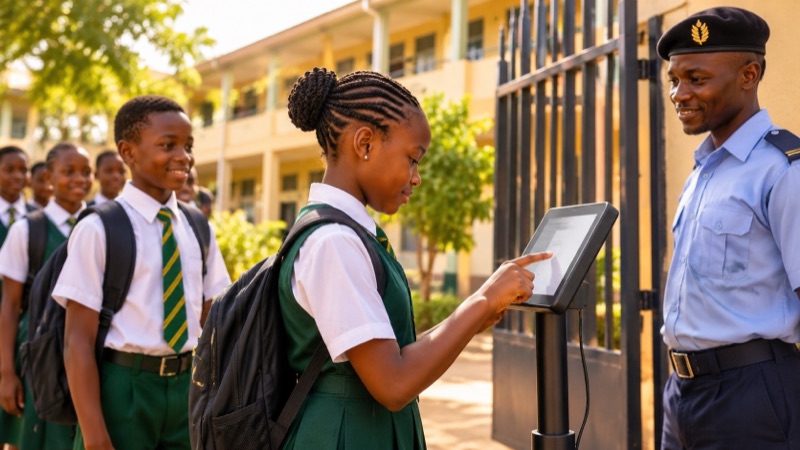
Learners report at the gate by face and call home from the Station, on tablets that lock themselves when stolen.
- Front desk
- Class teachers
- IT
- Head teachers
Attendance you can't argue with. Devices you can't lose.
Face finds the learner · family told
no PIN and no sign-in at the gate
Reporting at the gate
A learner looks at the gate tablet coming in or going out. Their family gets a message.
Locked · locating · pinging every 60s
the lockdown survives a reboot
Theft lockdown
Report a station stolen and it locks, then reports its position.
PIN finds · face confirms
inside the school, never at the gate
The Station inside the school
Learners sign in with a PIN and their face or fingerprint, then call home or read a note from home.
On site · family told · reporting day
written from one gate report
One report, every record
A report at the gate puts the learner on site, tells the family and updates the reporting day board.
What it looks like in Brim
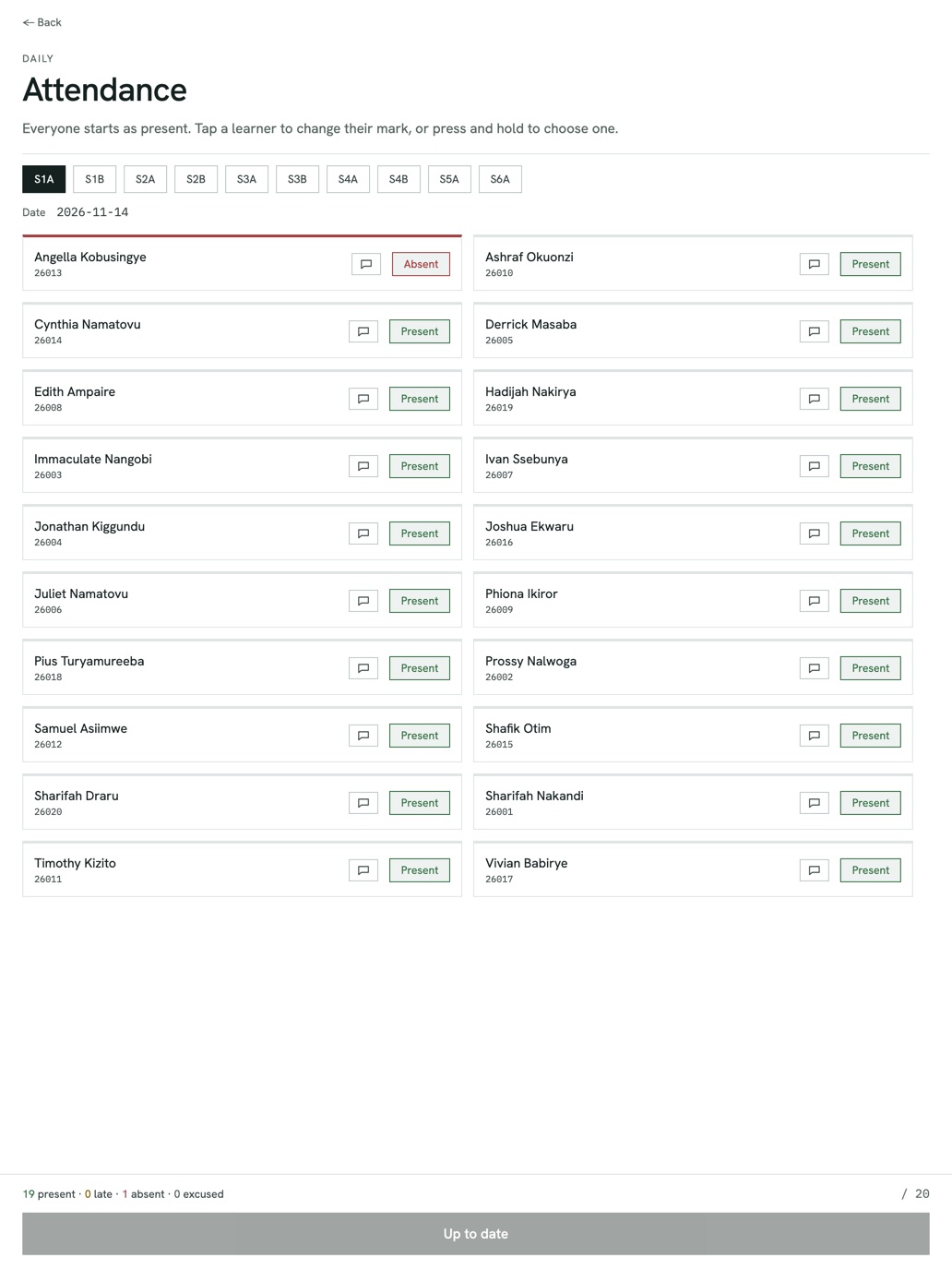
The class registerEveryone starts as present. Tap a learner to change their mark. - Reported stolenStation 3 · 14:061
Lock
Instant, persists across reboot
2Locate
GPS ping reported home
3Recover
Covert capture for evidence
Lock, locate, recover.An instant remote lock, a GPS ping, a covert capture. All of it persists across a reboot.
Three steps, start to finish
- 1
Enrol
Face and fingerprint templates are captured at the Station and sealed with your school’s key, with consent on file.
- 2
Report
At the gate, the learner’s face finds them. At the Station inside, a PIN finds them and their face confirms it.
- 3
Flow
One report at the gate puts the learner on site and sends the family a message.
Face checks and theft recovery, on every tablet.
A shared tablet at a school gate or in a hall is a target. Each one checks faces against templates sealed with your school’s key, and a theft report locks it at boot and makes it report home.
Face checks and theft recovery on the same managed tablets.
4 1 9 2
PIN narrows to one student
Biometric authenticates
Templates are sealed with your school’s key. At the Station a PIN alone opens nothing. The face or fingerprint must match.
See the gate and the Station in a walkthrough
See gate working on your own school's records. Brim brings your records in, trains your staff and supports your team every term.
Or write to brim@nacre.systems