Your whole school on one screen
Enrolment, fees, attendance, exams and safeguarding, up to the minute. Each figure comes from the records your staff already keep.

Your day with Brim
The figures you need are ready before the bell. Every decision leaves a record you can show.
- 1
Before assembly
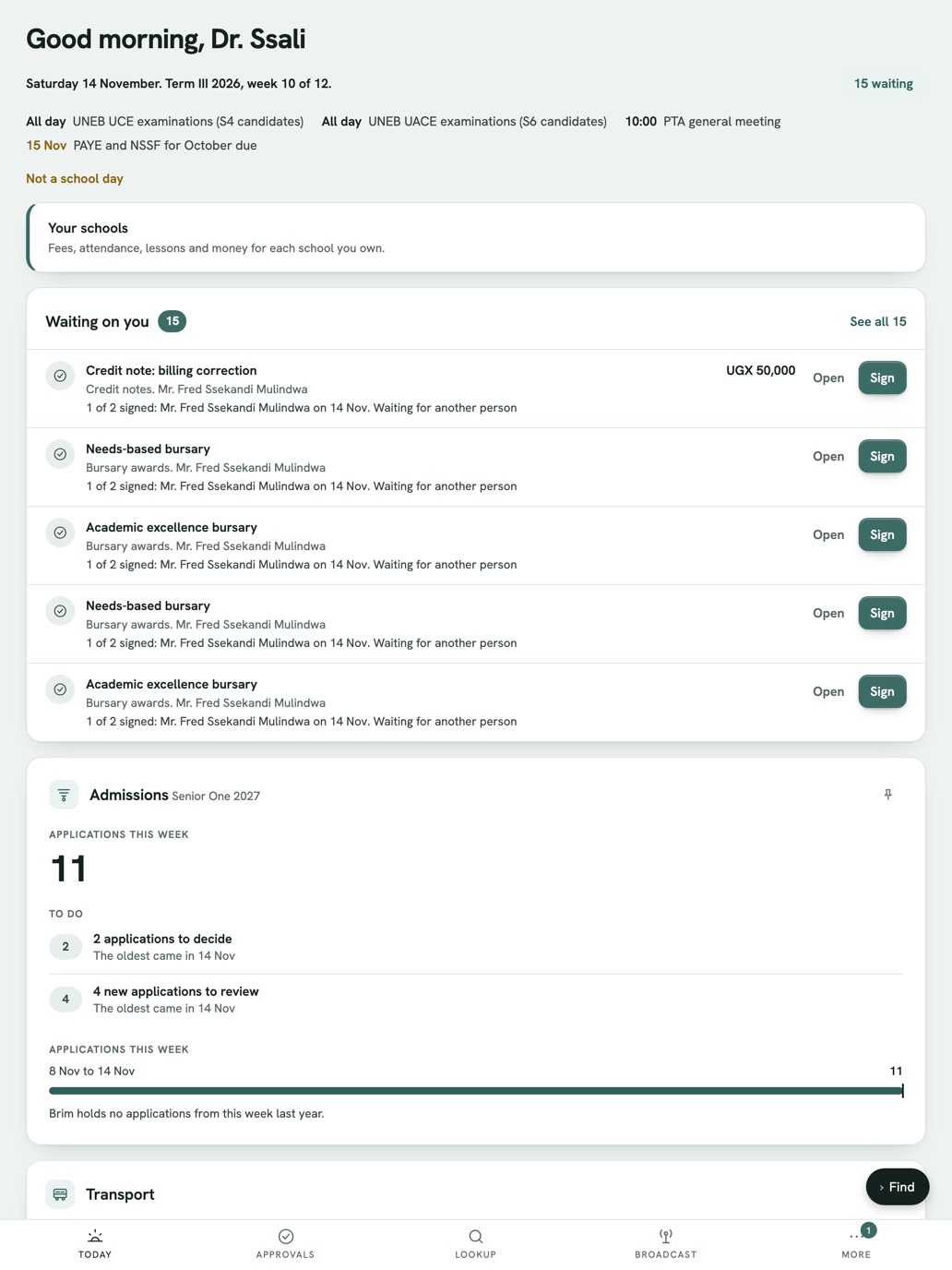
You open your school overview before the bell. Yesterday’s attendance, this week’s fees, absences with no reason given and a safeguarding case waiting.
- 2
Mid-morning
A large payment needs a second signature. You sign it on your phone.
- 3
After lunch
The board asks how the exams are going. You watch the director of studies move the series from marking to approved.
- 4
End of term
An auditor asks how a decision was made. You show who did what, and when.
What Brim gives you
Every report on one screen
Figures come from the records your staff keep. Nobody types them in twice, and they are never a day old.
Calendar & ExamsApprovals only you can give
Large payments need a second person to sign, and Brim checks it every time. The controls for the whole school stay with you.
Staff & OrganisationA record you can always show
Every action that matters goes into a signed log that nobody can edit.
Safeguarding & PastoralMoney you can trust
Proper double-entry books. Nobody approves their own payment, including staff you trust.
Finance & Payroll
The rules bind everyone, Brim’s own team included
Your school holds the controls for the whole school. Brim support holds none of them.
- Sensitive actions need two people to sign
- Every action that matters is logged and signed
- Nobody at Brim can read sealed records
See your own school’s figures in Brim
See Brim with your own classes, fees and offices. The Brim team sets it up for your school and trains your staff.
Or write to brim@nacre.systems